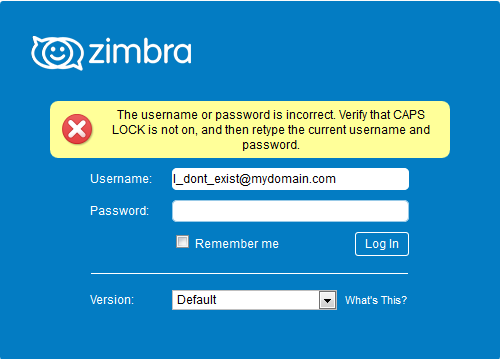
Sign-in is rejected as wrong username or password
What to check when webmail says your username or password is wrong.
Work through these in order. The last two cover the cases where the details are right but sign-in still fails.
- Check the username. It is your full email address, not just the part before the @.
- Check the password. Your email password is often not the one you use to sign into your computer. If you do not know it, ask your administrator to reset it.
- Try webmail with those details. If webmail lets you in, the details are correct and the problem is with a device's settings rather than the password itself.
If webmail shows the password-change box
Signing in and landing on this screen means the password has expired rather than being wrong.
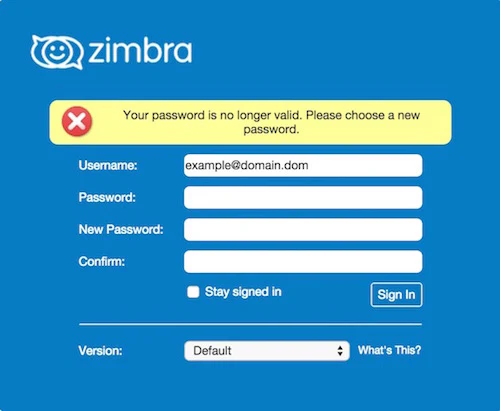
Follow your password has expired to set a new one.
If webmail rejects the correct details
When you are certain the username and password are right and webmail still refuses them, the mailbox is probably locked.