Your password has expired
What the password-expired screen means, and how to set a new password.
Passwords are set to expire after a time. When yours does, Zimbra shows this screen the next time you sign in, and you cannot reach your mail until you set a new one.
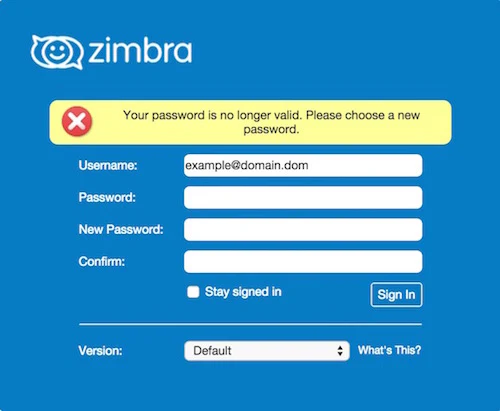
Setting a new password
- In Password, enter the password you have been using.
- In New Password, enter the new one.
- In Confirm, enter the new password again.
- Click Sign In.
You are then signed in with the new password. Choose something strong and not used elsewhere: see choosing a strong password.