Switching between the modern and classic web app
Zimbra offers two interfaces, and you can move between them whenever you like.
The modern web app is what you get by default. The classic web app is the older interface, and some people prefer it because it exposes more settings on screen. Both connect to the same mailbox, so nothing moves or changes when you switch.
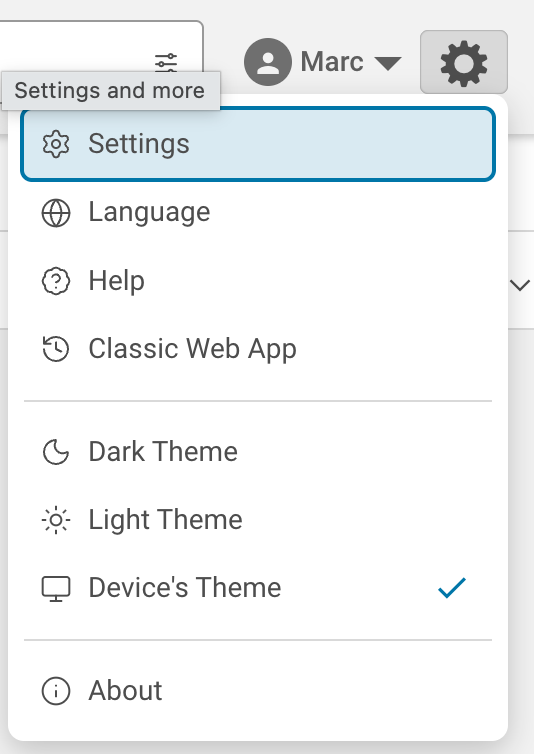
Modern to classic
Open the settings menu, labelled Settings and more, from the gear icon in the top right, then choose Classic Web App.
Classic to modern
The classic interface has no menu option to go back, so change the address instead. Add /modern to the end of your webmail address and load it.
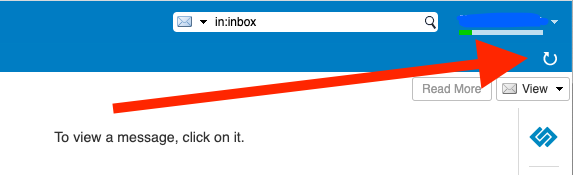
Refreshing the view in classic
The classic interface does not always redraw on its own. Click the small refresh icon at the top right to bring the current view up to date.