How to create a Zimbra distribution list From the Control Panel
To send a single email to multiple users on a mailing list, you will need to create a distribution list.
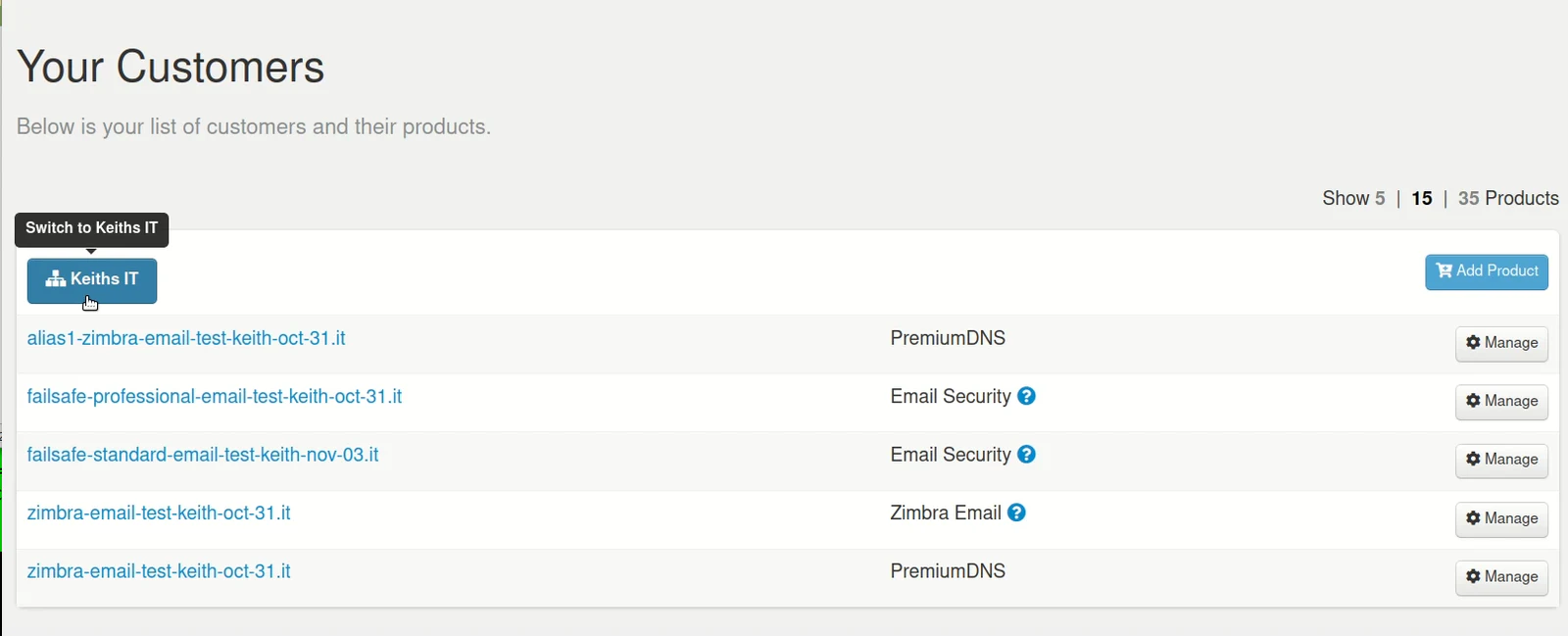
Step 1. Login to the Control Panel and under 'Your Customers' click on the customer's account you wish to manage.
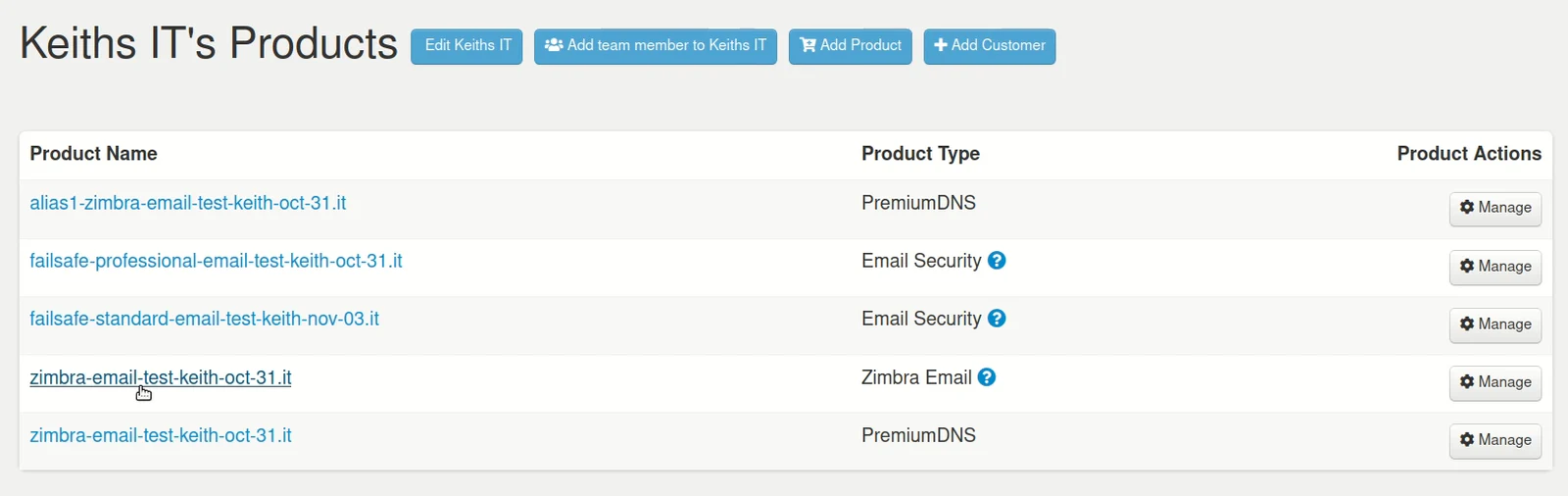
Step 2. From the customer's account page, click on the Product Name you wish to manage - in this example it's Zimbra Email.
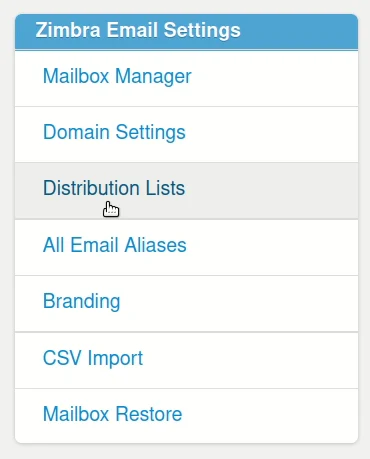
Step 3. Under 'Zimbra Email Settings' click on Distribution Lists
Step 4. In the 'Quick Add List' window, fill in the following fields:
- Display Name: the name of your list, e.g Monthly mailing list
- List Address: email address used to send out the list
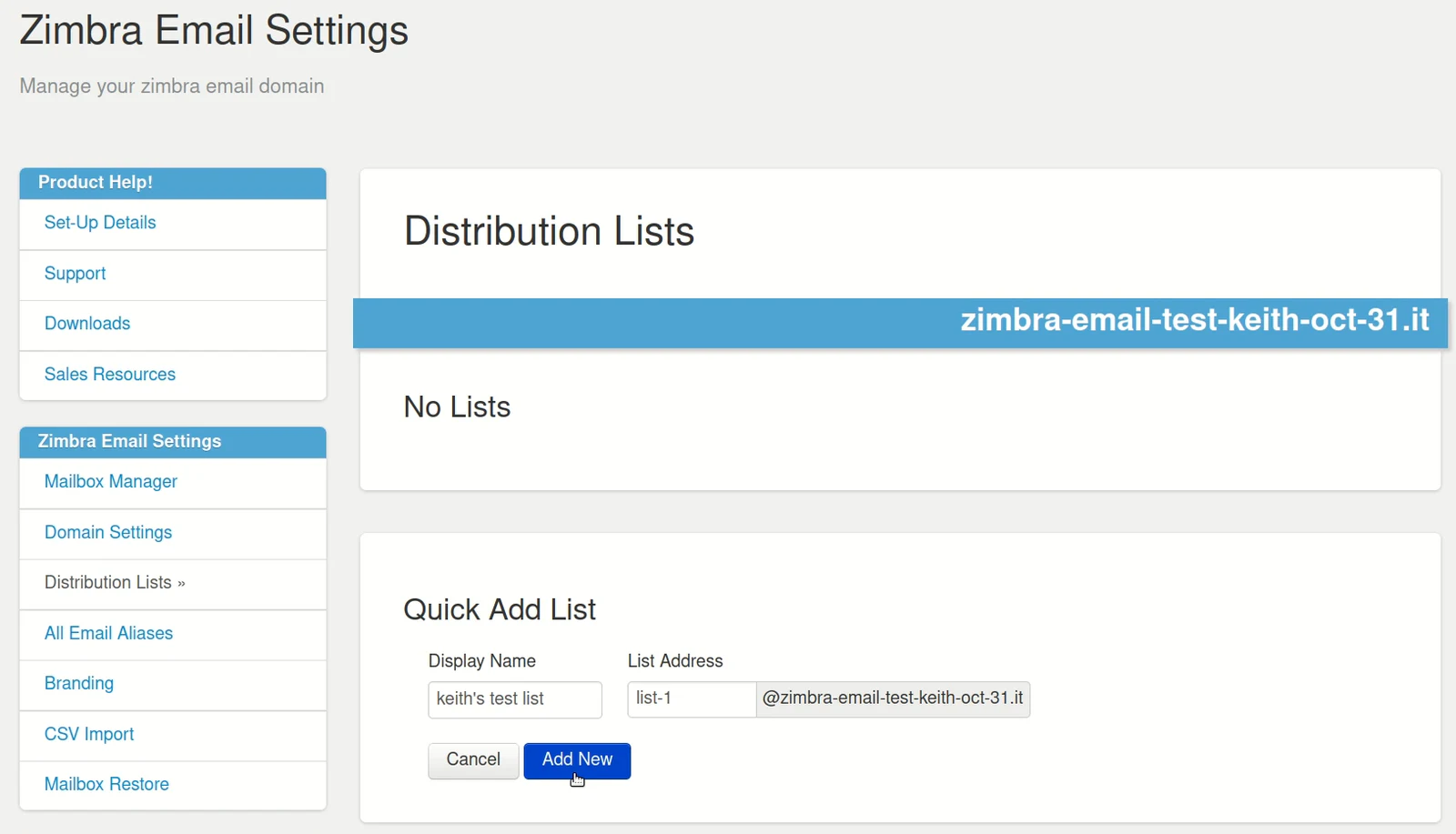
Step 5. click on the Add New button.
You have now created your first email distribution list.
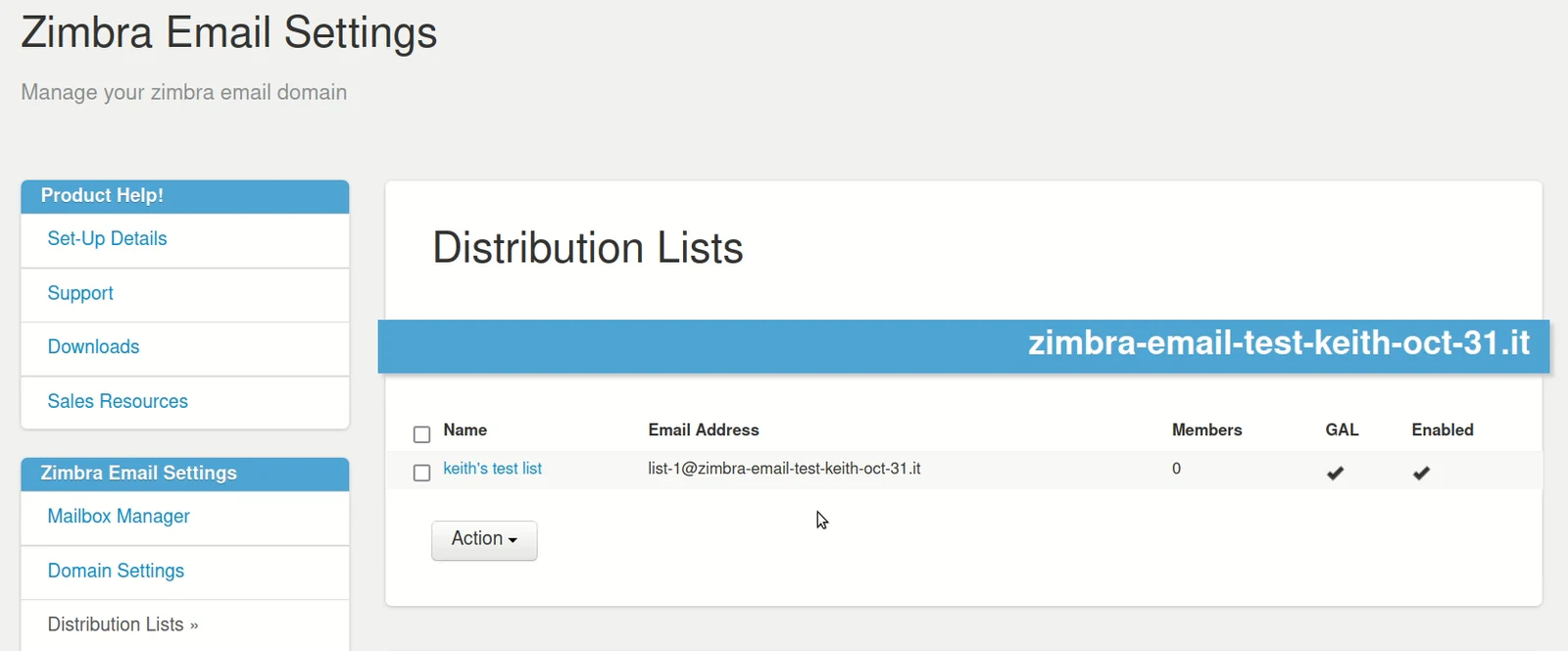
How to delete a Distribution List
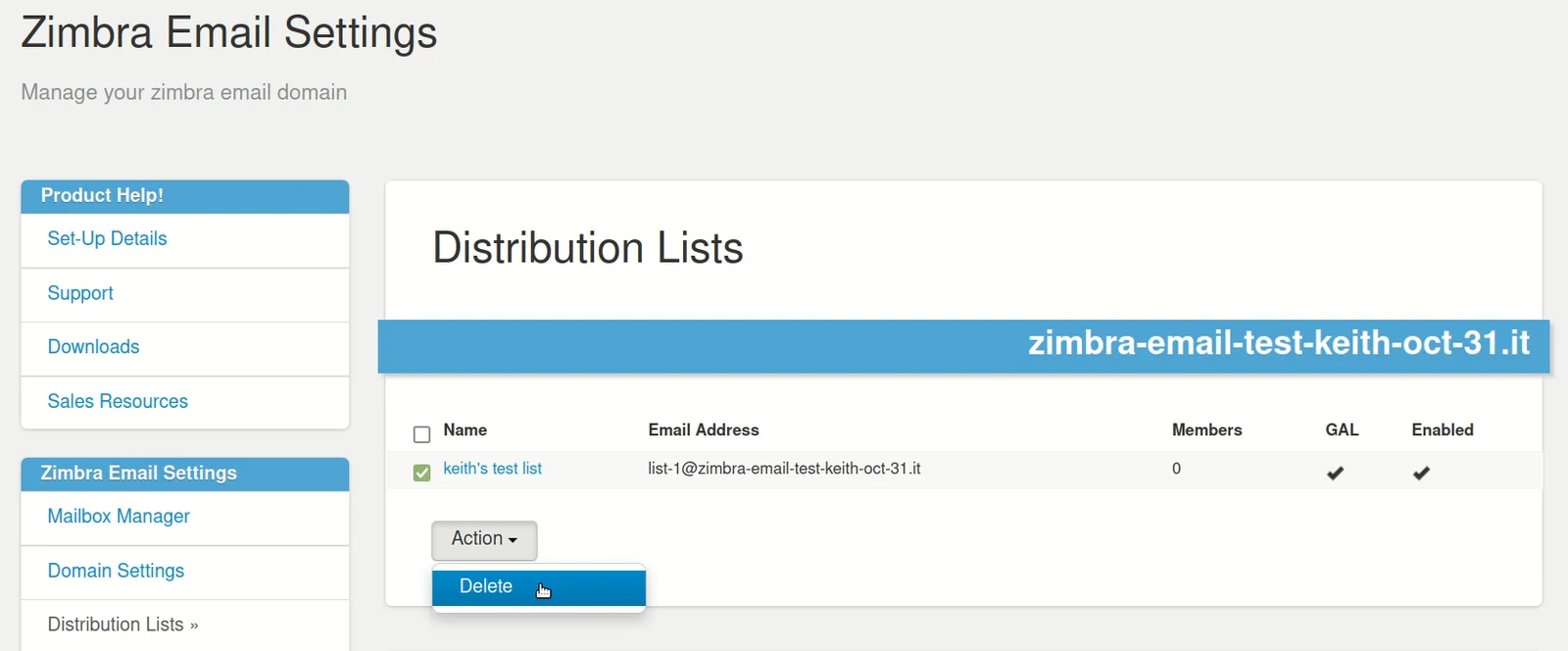
Tick the box next to the list you wish to remove, click on the 'Action' button and click Delete.
.