Deleting a mailbox that is a domain administrator
Why the delete option is greyed out, and how to release the mailbox so you can remove it.
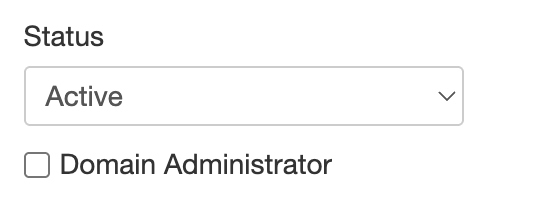
A mailbox set as Domain Administrator cannot be deleted while it holds that role. The delete option stays greyed out until the role sits somewhere else.
Moving the role first
- Open the mailbox you want to make the new administrator and tick Domain Administrator.
- Open the mailbox you want to delete and clear the same setting.
- Delete that mailbox. The option is available once it is no longer an administrator.
Assign the new administrator before removing the old one, so the domain is never left without anyone able to manage it.